What Microsoft Access Is, and Why It Still Matters
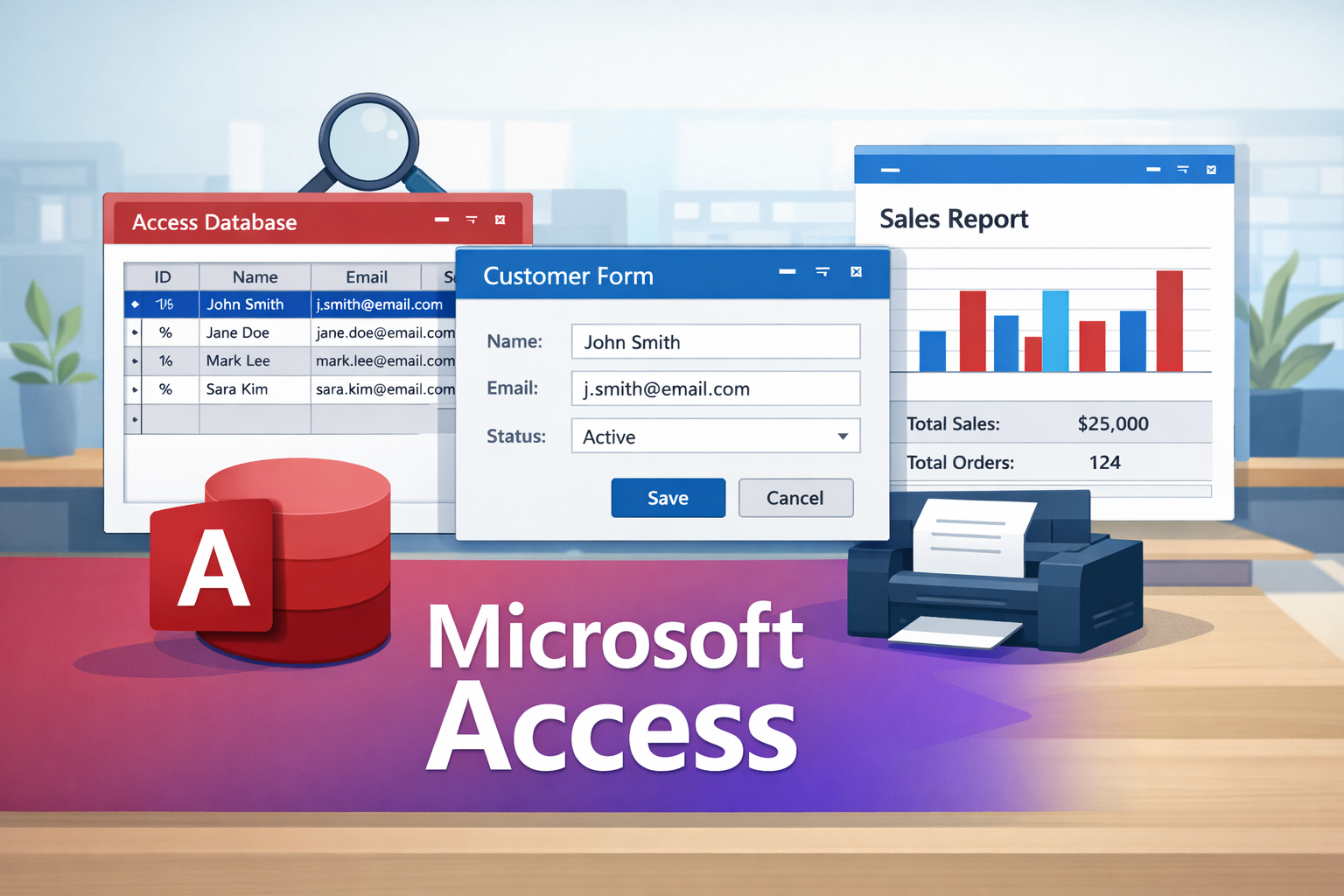
What Microsoft Access isMicrosoft Access is a database tool in Microsoft Office that helps you store information in an organized way and build a small system around it.In Access, you don’t only save data. You can also create screens for people to use, searches to find records quickly, and reports that print neatly. That is why Access is popular for small businesses, schools, and projects where Excel starts to feel limited.The simple difference between Access and ExcelExcel is excellent for calculations and quick analysis. But Excel is not built to behave like a proper database system when the data grows or when many people are entering data.Access is different because it is designed to:store data in related tables instead of one long sheetavoid duplicates and inconsistencieslet users enter data through forms rather than editing raw tablesgenerate reports that look professionalhandle searching and filtering through queriesIf your work involves records that must stay clean and consistent, Access is usually a better fit.What you can build with AccessAccess is practical because you can build real tools that people use daily. Examples include:Student records and school fees trackingInventory and sales trackingInvoicing and receipt systemsStaff records and attendanceCustomer and payment trackingSmall HR and payroll recordsClinic and appointment tracking for small facilitiesIn many of these cases, people start in Excel, then later realize they need something that feels like a real system. Access is often the next step.Why people like AccessAccess is useful because it gives you the main building blocks of a database system in one place:Tables store the dataRelationships connect tables correctlyQueries search and summarize informationForms provide user-friendly screensReports produce printable documentsVBA can automate tasks when you’re readyYou can start simple and grow gradually. That flexibility is one reason Access is still used today.When Access is the right choiceAccess is a strong option when:you want a system that runs on Windows without extra costyour data is not “big data,” but it must be accurate and organizedyou need forms and reports quicklyyou are building for a small office, school, shop, or a local businessIt’s also great for learning database thinking, even if you later move to SQL Server or a web system.When Access is not the best toolAccess is not ideal if:thousands of users must use the system at the same timeyou need a fully online platform for many locationsthe database size is extremely large and growing fastIn those cases, Access can still be used as a front-end, but the back-end may need SQL Server or a cloud database.A good way to start learning AccessIf you are new, don’t start with buttons and fancy screens.Start with the foundation:TablesRelationshipsQueriesFormsReportsIf you learn in that order, you’ll avoid most beginner frustration and your database will be easier to expand later.Final noteMicrosoft Access is not outdated for the problems it solves. It is still one of the quickest ways to build a clean, practical database system for real work.If you’re starting from scratch, check the Tutorials page and begin with the beginner lessons.